Erhu
Airy, evocative erhu melodies
✦ AI-Powered Instrument Performance
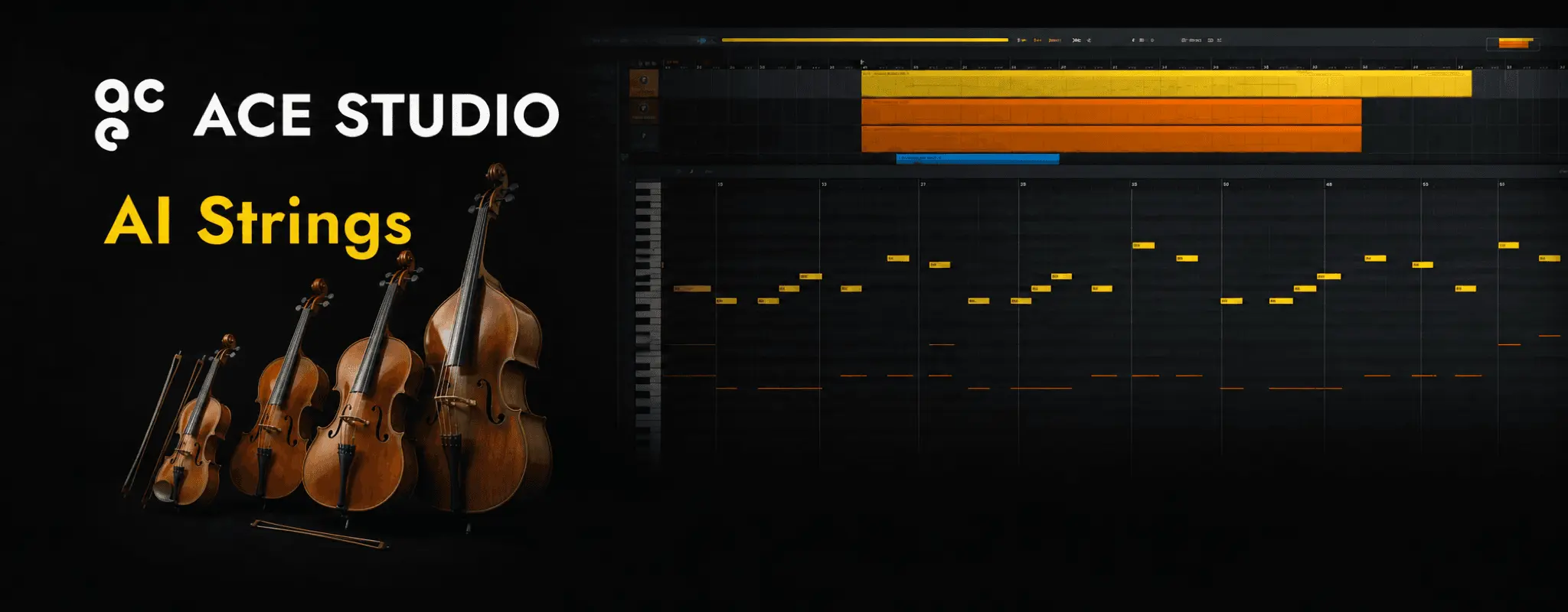
AI StringsMove beyond static orchestral samples and create string sections that follow the musical shape of your score. Bring MIDI or MusicXML to life with AI models recorded with the Budapest Art Orchestra and retain detailed control over the complete ensemble.
Instrument demos
Airy, evocative erhu melodies
Warm, singing cello melodies
Deep, lyrical cello solo
Full, warm cello parts
Rich, powerful cello performance
Gentle, stately cello melodies
Warm, nuanced viola melodies
Calm, lyrical viola solo
Full, cinematic violin ensemble
Delicate, flowing violin ensemble
Deep, expansive cello ensemble
Rich, grounded low strings
Elegant, singing violin melodies
Bright, agile violin solo
Bright, modern viola tone
Core features
Create string parts to capture the bowing, note transitions, dynamics, and collective expression of real orchestral players. Develop a cinematic sound directly from your own MIDI without assembling it from fixed phrases.
Write melodies, harmonies, countermelodies, bass movement, ostinatos, chordal textures, and supporting lines for violin, viola, cello, and double bass. Build anything from a restrained chamber arrangement to a full string section around the exact notes and voicings your production requires.
Refine articulations, timing, note lengths, dynamics, expression, and ensemble balance until the strings follow the movement of your score. Render the finished take as audio for further arranging, processing, and mixing in your DAW.
Getting started
Add a new Instrument Track to your ACE Studio project and open the AI Instrument Library.
Import a MIDI or MusicXML file, or enter and edit notes directly in the piano roll to define the melody, rhythm, note lengths, and phrasing.
Choose an AI string-section sound or work with violin, viola, cello, double bass, and other available string instruments. Apply the selected instruments to your track and turn the written notes into a natural-sounding performance.
Refine timing, dynamics, articulations, and expression to create the right sense of movement and intensity. Use automatic articulation selection as a starting point or adjust the performance details manually before rendering the final audio.
Use cases
Turn orchestral MIDI sketches into convincing string performances that make voicings, registers, dynamics, and transitions easier to evaluate before recording or final production.
Create thematic passages, dramatic builds, emotional underscores, rhythmic tension, and large ensemble moments that follow the pacing and narrative direction of a visual project.
Arrange warm sustained chords, countermelodies, hooks, and supporting textures around vocals, synths, guitars, and rhythm sections in pop, R&B, rock, hip-hop, electronic, and alternative productions.
Write repeating violin, viola, cello, or full-section patterns that add momentum beneath melodies, dialogue, vocals, and larger orchestral themes.
Use rising figures, dynamic builds, sustained harmonies, and articulated ensemble passages to connect song sections, reinforce key moments, and increase the scale of an arrangement.
Render your AI string parts as audio and continue with EQ, compression, reverb, automation, spatial processing, layering, and final mixing in your preferred DAW.
Complete your production
Turn MIDI and lyrics into expressive AI vocals, then arrange instrument responses and supporting lines around the performance.
Explore AI Singing Voice Generator →Generate a track from a genre, mood, or musical prompt and develop its strongest ideas with AI Instruments.
Explore Inspire Me →Describe the supporting part you need and generate new musical material around an existing section.
Explore Add a Layer →Send MIDI from your DAW to ACE Studio and stream the generated instrument audio back in sync.
Explore ACE Bridge →Build music around scene changes, pacing, and mood, then refine instrument themes on the same timeline.
Explore Video Composer →Develop a finished track into a concept, storyboard, visual style, and complete music video.
Explore AI Music Video Generator →Frequently asked questions
ACE Studio turns MIDI or MusicXML into expressive string parts. You can create individual violin, viola, cello, and double-bass parts or develop fuller AI string sections for songs, orchestral arrangements, and visual media.
Your notes. A real performance.